Meta Ads Manager: A Practical Guide for Egyptian Businesses
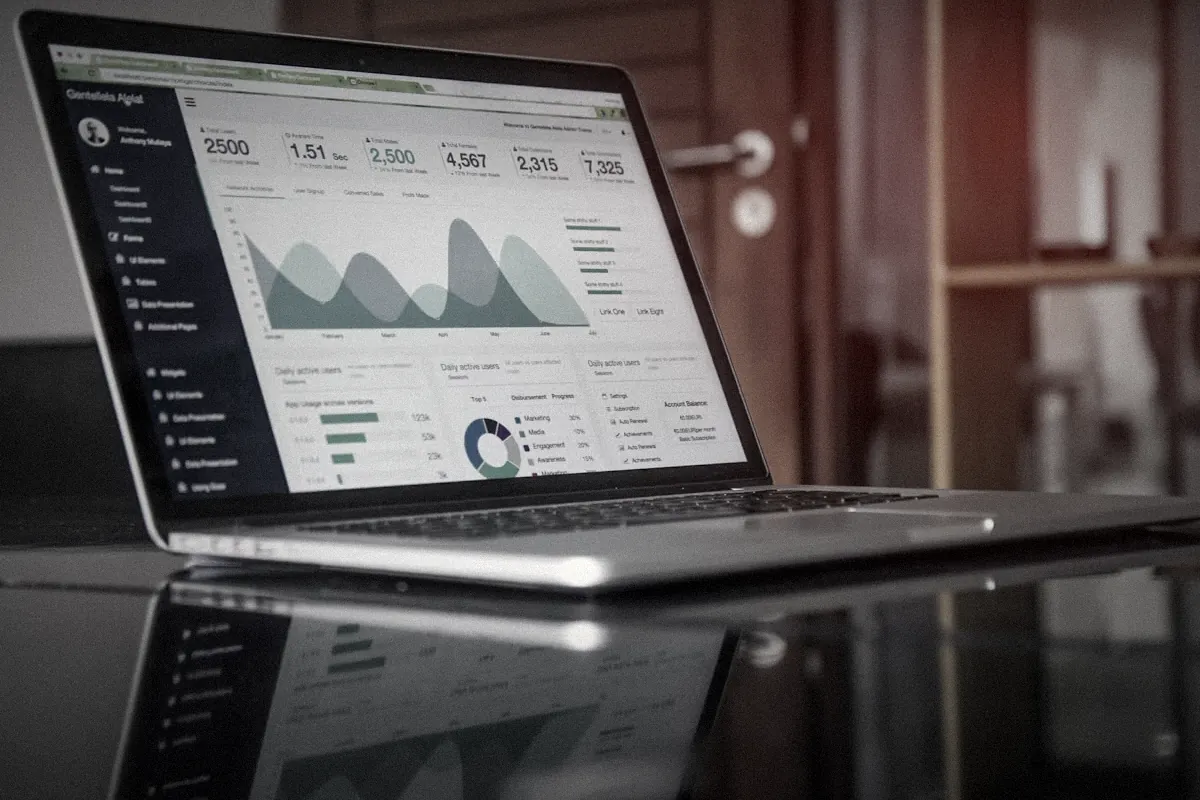
Meta Ads Manager is where real Facebook and Instagram advertising happens. It looks intimidating, but most of what matters comes down to a few decisions: the right objective, the right destination, tracking that works and ads worth watching.
Most Egyptian businesses meet Meta ads through the blue Boost button. It's easy, it spends money, and for a while that feels like enough. Then results flatten, someone mentions "the learning phase" or "Advantage+," and Ads Manager opens with a hundred settings you've never seen.
You don't need to understand every setting. Get about six decisions right and leave the rest on sensible defaults. Below are those decisions, in the order you'll meet them, with the Egyptian specifics that trip people up: WhatsApp, Arabic creative, EGP billing and seasonal pricing. If you'd rather have a team set it up and run it, that's what our paid ads and media buying service does.
Here's what this covers:
- Set up the account properly first
- How a campaign is built
- Choosing the right objective
- Ad set decisions that matter
- Building the ad itself
- Tracking: the part everyone skips
- Reading results without panicking
- Your first campaign, start to finish
Set up the account properly first


Before any campaign, get the foundations right, because fixing them later is painful.
- Create a Meta Business portfolio (formerly Business Manager) in your company's name, owned by someone permanent in the business.
- Connect your Facebook page, Instagram account and, if you sell on WhatsApp, your WhatsApp Business number.
- Create an ad account. Choose the currency carefully: you can bill in Egyptian pounds, which avoids the foreign-currency card limits that have stopped many Egyptian campaigns, but you can't change the currency later without opening a new account.
- Add a payment method and check your billing settings. Expect VAT to be added on top of spend.
- Give freelancers or agencies access as partners or users, never by handing them your personal login.
How a campaign is built

Everything in Ads Manager sits on three levels:
- Campaign: the objective (what you want), and optionally the budget, if you let Meta spread it across ad sets.
- Ad set: who sees the ads, where, when, and toward what result. Budget lives here if not at campaign level.
- Ad: the creative people see, with text, a button and a destination.
Think of it as goal, then audience, then message. If results are bad, ask which level the problem is on. Wrong goal? Wrong people? Or just a weak ad? It's usually the ad.
Choosing the right objective

Meta has six campaign objectives: Awareness, Traffic, Engagement, Leads, App promotion and Sales.
The rule is simple: choose the one closest to what you want. Meta will find people likely to do exactly that action. If you choose Traffic, you'll get clicks, often from people who leave in two seconds. If you choose Sales, Meta looks for buyers.
In Egypt, most business goals map like this:
- Selling online with a working website: Sales, with your website as the destination.
- Selling through WhatsApp or Messenger chats: Sales or Engagement with a messaging destination, or Leads if you qualify people in chat.
- Collecting phone numbers for a clinic, school or real-estate project: Leads, with an instant form or messaging.
- Launching a new brand or a Ramadan campaign: Awareness, usually alongside a conversion campaign.
For Sales, Leads and App campaigns, Meta now defaults to its Advantage+ setup, which automates audience, placements and budget. It often works well, especially with good tracking and enough budget. Check what it has turned on, though, rather than accepting everything blindly.
Ad set decisions that matter

At the ad set level, focus on these:
Conversion location
This is where you want people to go: website, app, messaging apps (WhatsApp, Messenger, Instagram Direct), instant forms or calls. Pick where you close sales. A lot of Egyptian brands should be sending people to WhatsApp, as long as someone answers quickly.
Audience
Meta's Advantage+ audience lets the system go beyond your suggestions to find people likely to convert. You can still set hard limits, like location and minimum age. For a restaurant in Zayed, set the location tightly. For a national e-commerce brand, go broad. Interests now work more as suggestions than strict walls. Our ad targeting guide explains when to narrow and when to let go.
Placements
Advantage+ placements spreads ads across Facebook, Instagram, Messenger and the Audience Network. It's usually cheaper than picking manually. The exception: if your creative only works vertically, or you see poor-quality traffic from certain placements, check the placement breakdown and adjust.
Budget and schedule
Daily budgets are easiest to manage. Give each ad set enough to get results. If you're optimizing for leads that cost 80 EGP, a 150 EGP daily budget won't teach the system much. Our article on Instagram ads cost in Egypt covers realistic budgets.
Building the ad itself

This is where most of the result comes from. A few things to get right:
- Format: vertical video (9:16) for Reels and Stories, plus a square or 4:5 version for feeds. Carousels work well for products and real-estate units.
- First three seconds: show the product, the problem or the offer right away. People scroll fast.
- Language: write the way your customers talk. For most Egyptian audiences, that's Egyptian Arabic, not formal Arabic and not English, unless your audience really is English-first.
- Text on screen: many people watch on mute. Add captions.
- Creative enhancements: Meta can automatically tweak ads (adding music, adjusting brightness, cropping, generating text variations). Review these settings. Auto-generated text and crops don't always respect Arabic layouts or your brand.
Run three to five different ads per ad set, so Meta can find the strongest one.
Tracking: the part everyone skips

Without tracking, Meta optimizes blind and you judge results by guesswork.
If you have a website, install the Meta Pixel and set up the Conversions API through Events Manager. Many store platforms, Shopify and WooCommerce among them, offer ready-made integrations, so you rarely need a developer for the basics. Then check that key events (purchase, lead, add to cart) fire correctly.
If you sell through WhatsApp, track conversations started, and keep a simple sheet of which chats turned into sales and roughly where they came from. Even a rough count beats nothing. It lets you tell whether cheap conversations are real buyers or people asking "how much?" and disappearing.
Reading results without panicking
New ad sets go through a learning phase while Meta figures out who responds. As a rule of thumb, an ad set needs about 50 optimization events in a week to exit learning. During that time, results bounce around. Making big changes restarts the process, so wait at least three to five days before judging.
When you do judge, use the right columns. Customize your view to show cost per result, results, CTR, frequency and, if you sell online, purchase value and ROAS. Use breakdowns by age, gender, placement and region to see where results come from.
Kill ads that clearly lose after a fair test. Raise budgets gradually on ads that win, rather than doubling them overnight. And watch frequency: when the same people see your ad too many times, costs rise. That's the cue for new creative.
Before building your own ads, it's worth checking what competitors are running in the Meta Ad Library.
Your first campaign, start to finish
- Confirm your Business portfolio, page, Instagram, WhatsApp and ad account are connected and owned by your business.
- Install tracking: Pixel and Conversions API for a website, or a clear way to count WhatsApp leads.
- Create a Sales or Leads campaign with the destination where you close deals.
- Set location and age limits, keep the audience reasonably broad, and use Advantage+ placements.
- Add three to five ads: at least one short vertical video in Egyptian Arabic with a clear offer.
- Set a daily budget you can hold for two weeks, then leave it alone for the first few days.
- Review results after a week, cut the losers, keep the winners and plan fresh creative.
Everything else in Ads Manager is fine-tuning on top of those seven steps. If you want a team that handles both the setup and the videos that go into it, see our paid ads service or contact us.
What's the difference between Meta Ads Manager and boosting a post?
Boosting is a quick shortcut with limited options. Ads Manager gives you every objective, placement, audience and tracking setting, plus proper testing and reporting.
Which campaign objective should I choose?
Choose the one closest to what you want people to do. For most Egyptian businesses that's Sales or Leads, with WhatsApp, a lead form or a website as the destination.
How long is the learning phase in Meta Ads?
An ad set usually needs around 50 optimization events within a week to exit learning. Avoid big edits during that time, because they can restart it.
Can I run WhatsApp ads from Ads Manager?
Yes. Connect your WhatsApp Business number to your page, then choose a messaging destination such as WhatsApp in a Sales, Leads or Engagement campaign.
Do I need the Meta Pixel?
If you sell or collect leads on a website, yes. Install the Pixel and, ideally, the Conversions API so Meta can see results and optimize for them.
Need this thinking for your brand?
Get a quote