Multi Camera Production for Podcasts and Talk Shows
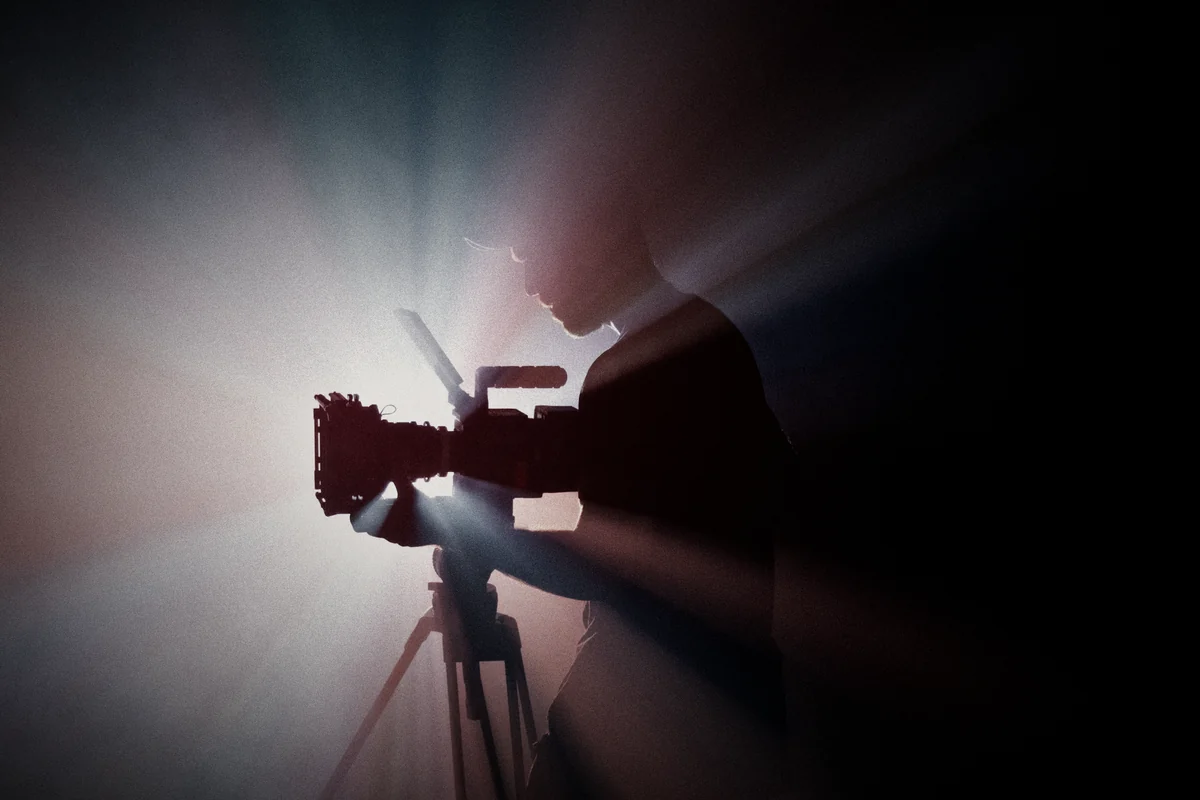
Multi camera production means filming a conversation from several angles at once, so the edit can follow who's talking and every clip has a clean shot. Three cameras cover most two-person shows.
Watch any good talk show with the sound off. The picture cuts to whoever's talking, shows a reaction at the right moment, and pulls back to a wide shot when the conversation moves. That's multi camera production: several cameras filming the same conversation at once, so the edit always has the right angle.
For podcasts and talk shows it's the difference between something that looks like a Zoom call and something that looks like a show. For most two-person setups, three cameras is the comfortable number. Below is how we lay them out, keep them matching, and keep the whole thing in sync.
Our team spent years running multi-camera sets in media before bringing the same discipline to brand shows through our podcast and show production service. This is the practical version.
Here's what this covers:
- Why one camera isn't enough
- The basic three-camera layout
- Matching the cameras
- Sync: keeping picture and sound together
- Switch live or cut in the edit
- Crew you need on the day
- When two cameras are plenty
- Before your first shoot
Why one camera isn't enough

One wide shot of two people is fine for about a minute. Then the eye gets bored. You can't see facial expressions, you can't cut out a cough without a visible jump, and you can't cut a vertical clip of one speaker without it looking blurry and cramped.
Multiple angles fix all of that. A close shot on each speaker shows emotion. A wide shot shows the relationship between them and covers any cut. And every vertical clip for Instagram or TikTok gets a clean, sharp frame of the person talking, which matters if your clips are where most of your reach comes from. Our guide on turning one podcast episode into ten reels explains why.
The basic three-camera layout
For two people sitting at an angle to each other:
- Camera A: a close or medium shot on speaker one, placed roughly over speaker two's shoulder.
- Camera B: the same on speaker two, from over speaker one's shoulder.
- Camera C: a wide shot from the front showing both people and the set.
Keep cameras A and B on the same side of an imaginary line drawn between the two speakers. Cross that line and on screen it looks like both people are facing the same way and talking to nobody. Editors call it the 180-degree rule, and it's the most common mistake we see in self-shot podcasts.
Frame each close shot with enough space on both sides to crop a clean vertical version later. For three or four people, add a close camera per extra speaker, or use a two-shot that covers neighbors.
Matching the cameras
Nothing looks more amateur than a guest who's orange on one angle and grey on the other. Before recording, set every camera to the same:
- Frame rate. In Egypt, with 50Hz power, 25 or 50 fps avoids light flicker.
- Shutter speed, matched to the frame rate.
- White balance, set manually to the same value, not auto.
- Picture profile and resolution.
Use the same camera model where you can. If you're mixing models, expect more color work in the edit. Lock exposure and focus settings so the cameras don't hunt every time someone moves. Then film a few seconds of a skin tone and a white card on every camera to give the editor a reference.
Sync: keeping picture and sound together
With three cameras and separate audio, you have at least four or five files per take, all starting at slightly different moments. They need to line up perfectly, or lips move out of time with voices.
Start every recording with a clear sync point: a clapperboard, or a loud single clap on camera. If your cameras and recorder support timecode, sync them before the shoot so the files carry matching time. Most editing software can also sync clips automatically by matching the audio waveforms, which works well when every camera records some scratch audio.
Long recordings bring their own problem. Some cameras split files or drift slightly over an hour. Check sync at the end of the episode as well as the start. And keep every camera on mains power. A battery that dies at minute thirty-eight leaves a hole in that angle you can't fill.
Switch live or cut in the edit
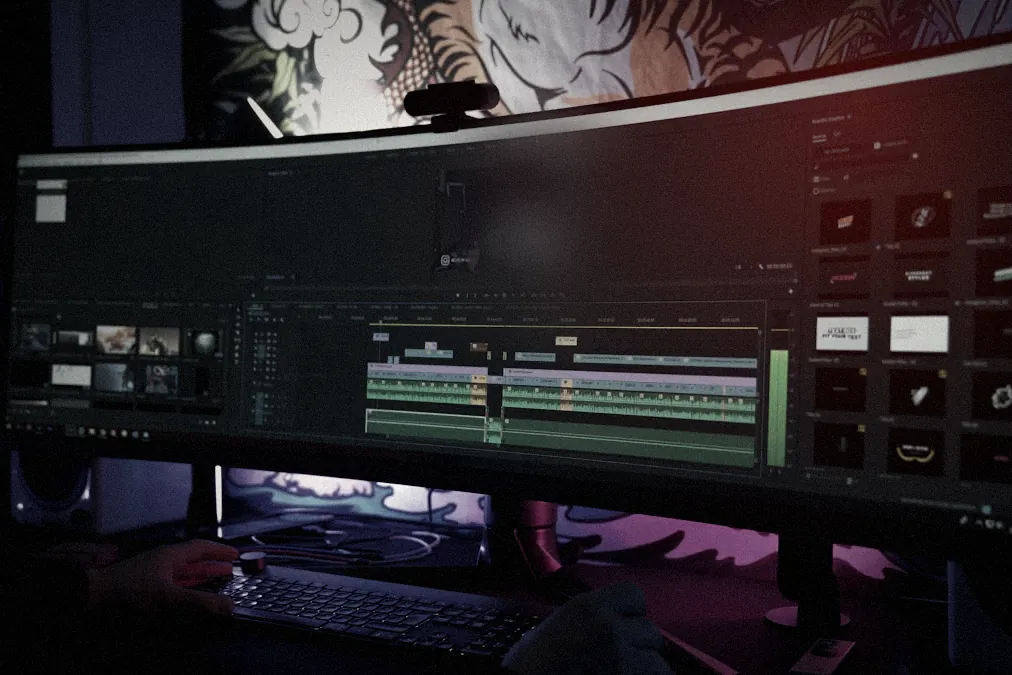
There are two ways to get from three angles to one video.
Live switching uses a vision mixer to cut between cameras during the recording. You get a finished cut at the end of the session, which is perfect for live streams or when you need the episode out the same day. The downside: the cut is only as good as the person switching in real time, and fixing mistakes later is harder.
Cutting in the edit means recording every camera in full and building the cut afterwards. It takes longer but gives the best result, because the editor can pick the perfect reaction and fix timing frame by frame. For most brand podcasts, we record all angles and cut in the edit. Many setups do both: record a live switch as a quick reference and keep the isolated camera files for the final edit.
Crew you need on the day
A three-camera shoot can technically be run by one person. It shouldn't be.
A comfortable crew is a director or producer watching the conversation and the monitors, a camera operator who checks focus, framing and recording on all cameras, and a sound person who watches levels and fixes slipping mics. On a larger show you'd add operators on the close cameras and someone handling the set and guests.
The director's job is easy to underestimate. They're the one who notices a guest blocking their face with their hand, or a great story that needs a follow-up question, before the moment is gone. If you're picking a studio rather than bringing your own crew, our list of what to check when booking podcast studios in Egypt covers what to ask about the people behind the glass.
When two cameras are plenty
Not every show needs three. Two cameras work well when there's only one speaker, like an expert talking straight to the audience (one close, one wider). They also work for a two-person show if one camera holds a wide two-shot and the other moves between speakers, though that needs a skilled operator. And for a tight budget pilot, two well-matched cameras beat three badly matched ones.
What you shouldn't do is drop to one camera and hope the edit saves it. It won't.
Before your first shoot
Do a full test recording a few days before the real one, with the same people, room, cameras and lights. Record ten minutes, sync it, cut a rough edit and a vertical clip. You'll find the problems while they're cheap to fix.
If you'd rather have a crew that runs multi-camera sets every week, our multi-camera podcast and show production service brings the cameras, sound, lighting and edit. And if you're still choosing kit, our podcast equipment guide explains what's worth owning.
How many cameras do I need for a podcast?
For two people, three cameras is the comfortable setup: one close shot on each speaker and one wide. Two cameras can work with careful framing.
What is multi camera production?
It is filming the same scene from several cameras at the same time, then switching or editing between the angles.
How do you sync multiple cameras in a podcast?
Record a clear sync point at the start, like a clap or slate, use matching timecode if your gear supports it, and sync the clips to the main audio in the edit.
Should I switch cameras live or in the edit?
Edit afterwards for most brand podcasts, since it gives the best result. Live switching makes sense when you stream or need very fast turnaround.
Why do my podcast cameras look different from each other?
Usually because white balance, exposure, picture profile or lenses don't match. Set them identically before recording and color-match in the edit.
Need this thinking for your brand?
Get a quote